Intelligent School Administration
Your Complete AI Assistant for School Counseling
Manage students, documents, schedules, and communications through natural conversation. One unified app that understands your work and gets things done.

Secure, Private, and Compliant
- Enterprise-Grade Security Role-based access controls, encrypted connections, and secure authentication protect sensitive student and school information. Every operation is logged for accountability and compliance.
- FERPA & Privacy Compliant Built with student privacy regulations in mind. Clear separation between users' authorized records ensures counselors only access information they're permitted to see.
- Secure Data Storage Persistent, encrypted storage with automated backup and tested recovery. Your documents, schedules, and records are protected and always available when you need them.
- Approval-Based Operations Sensitive actions like bulk changes, external messages, printing, and deletions require explicit confirmation before execution, preventing accidental or unauthorized operations.
- Protected Credentials API keys, passwords, and integration credentials are securely stored and never exposed. Connect to Microsoft Office, WhatsApp Business, and school systems safely.
- Audit Trail & Accountability Complete audit logs track who accessed what information and when. Meet administrative requirements and maintain transparency across all counselor operations.
The switch
Administrative burden shouldn't keep you from your students
How counseling work feels today
- Forty minutes searching through email attachments and shared drives to find last semester's attendance template.
- Manually copying student records from the district system into Excel, one cell at a time, hoping you don't transpose a number.
- Three different apps for documents, schedules, and communications—none of them talk to each other.
- Staying late to prepare orientation packets because the mail-merge keeps breaking the formatting.
- Missing urgent parent messages buried in hundreds of unread notifications.
- Starting from scratch every time you need to group students or assign teachers to activities.
Your workday with Counselor AI
- Ask in plain language: 'Find last semester's attendance template'—it appears in two seconds, fully searchable.
- Say 'Update the scholarship tracker with these five students' and watch the AI map fields, flag conflicts, and complete the update safely.
- One unified app where your assistant moves seamlessly between documents, schedules, records, and messages.
- Request 'Create orientation packets using the Word template and current enrollment data'—perfectly formatted reports ready in moments.
- Your AI highlights the three messages that need your attention today and drafts suggested replies.
- Describe your grouping rules once; the assistant handles student assignment, teacher allocation, and conflict detection automatically.
Powerful Features, Simple Experience

Natural Language Commands
Talk to your assistant the way you'd talk to a colleague. No technical jargon, no complicated menus, no training required. Just say what you need: 'Find last month's attendance data' or 'Create orientation groups.' The AI understands context, asks clarifying questions, and executes tasks accurately.

Real Document Processing
Work with your actual Word templates and Excel workbooks. The AI reads your existing documents, extracts data intelligently, populates templates with proper formatting, updates spreadsheets safely, and generates reports that look exactly like you created them manually—but in seconds instead of hours.

Intelligent Student Grouping
Organize students into balanced groups according to your rules in minutes. Assign teachers automatically, flag conflicts, apply balancing criteria, and generate distribution lists. What used to take hours of manual work with spreadsheets now happens in one simple conversation with your AI assistant.

Smart Communication Management
Connect your WhatsApp Business or other messaging services and let the AI filter, summarize, and prioritize your school communications. See urgent messages first, track what needs follow-up, draft responses, and never miss an important request buried in routine updates.
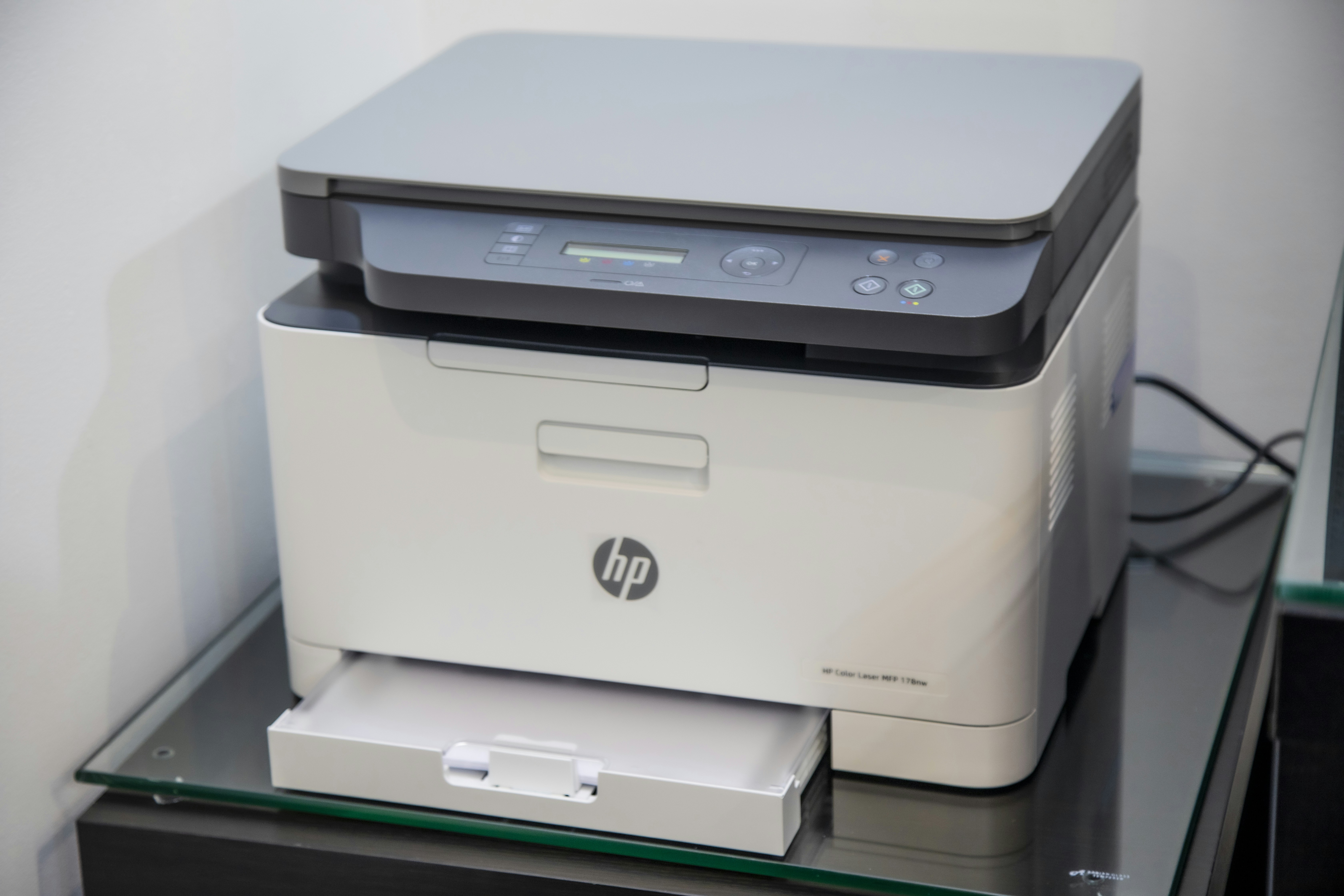
Secure Remote Printing
Print documents to your office printer from anywhere with a secure, authenticated connection. Prepare materials from home in the evening, confirm the print job through the app, and find everything ready on your desk the next morning. Simple, secure, and surprisingly magical.
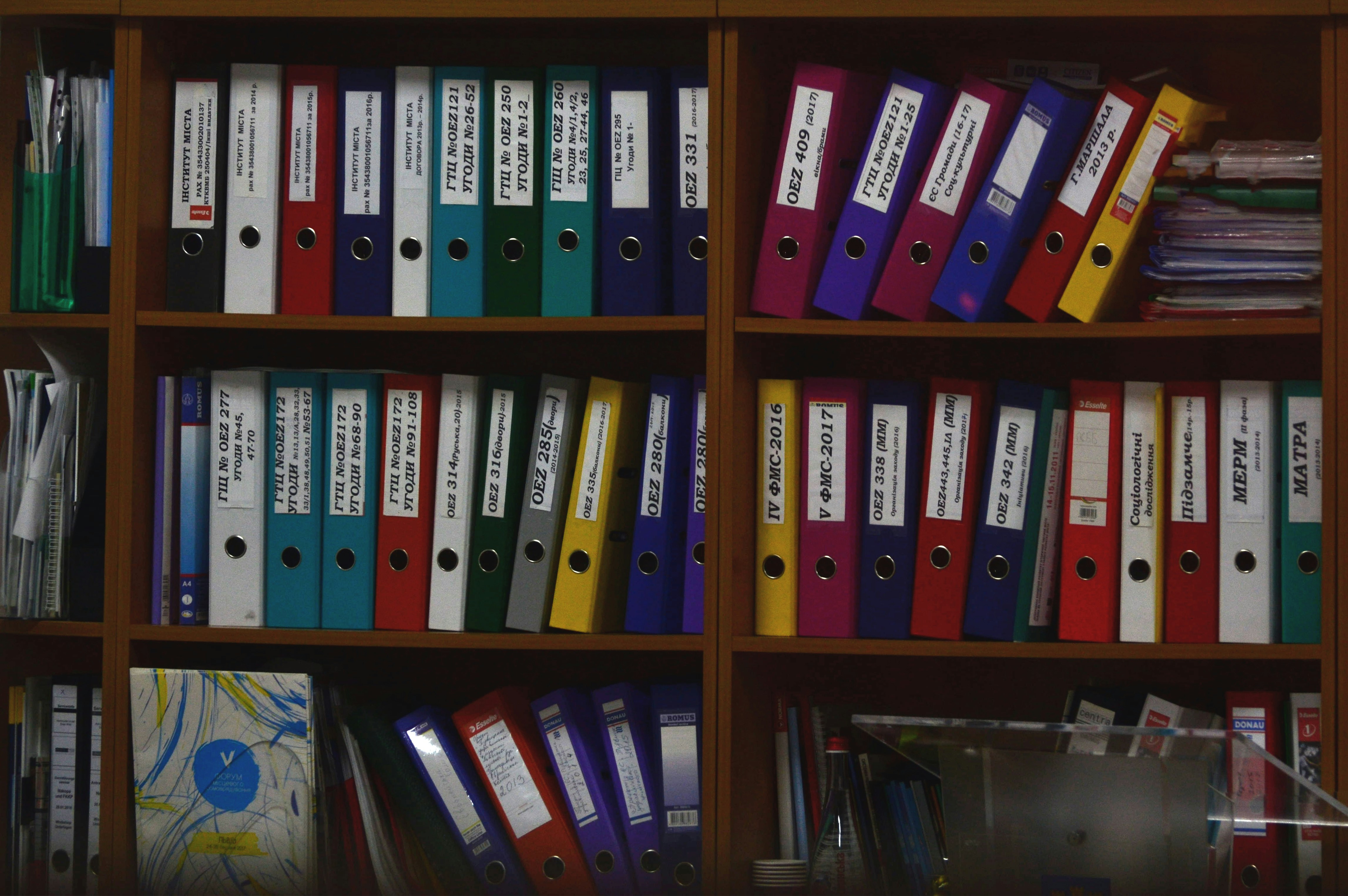
Persistent Document Storage
Upload, organize, search, and retrieve your school documents from any authorized device. Full-text search finds information inside PDFs and Word documents, not just filenames. Everything stays organized, backed up securely, and accessible when you need it—even after the app restarts.

Task History and Tracking
Every request, operation, and result is tracked automatically. Review what the AI did yesterday, last week, or last semester. See pending approvals, completed tasks, and any errors that need attention. Full audit trail for accountability and easy reference when you need to recreate a previous operation.

Role-Based Security
Built with school privacy requirements in mind. Secure authentication, encrypted connections, role-based access controls, and audit logs for sensitive operations. The AI only accesses information you've authorized, asks for confirmation before irreversible actions, and maintains clear separation between users' records.

Works Across Your Devices
Access your AI assistant from your laptop at school, your phone during meetings, or your home computer in the evening. Responsive design works beautifully on any screen size. Your documents, history, and settings sync automatically across all your authorized devices.

Automated Backup and Recovery
Your documents, settings, task history, and configurations are backed up automatically and securely. If something goes wrong, restore your information quickly and completely. Updates never lose your data. Peace of mind that your important school information is protected and recoverable.
Everything You Need in One Intelligent App
No complicated menus or technical commands. Just tell your AI assistant what you need in everyday language. It understands context, asks clarifying questions when needed, and executes tasks across documents, schedules, records, and communications—all from one intelligent interface.
Counselor AI integrates directly with your Word templates, Excel workbooks, and school files. Generate reports, update spreadsheets, extract data, and preserve formatting—without leaving the app. Your assistant handles the technical work while you focus on the content.
Upload, organize, search, and retrieve any school document instantly. Search inside PDFs, Word files, and spreadsheets—not just filenames. Your files sync across devices, stay securely backed up, and remain accessible whenever you need them, from anywhere.
Group students by configurable rules, assign teachers, generate schedules, prepare attendance reports, and track maintenance requests—all through simple instructions. The AI applies your school's policies, flags conflicts, and produces ready-to-review results every time.
Connect your school messaging and email. Your AI assistant identifies important messages, summarizes conversations, highlights items needing attention, and helps you draft responses. Never miss an urgent parent message or district update again.


How Counselor AI Works for You
-
01
Connect Your School Systems
Link your existing documents, student records, schedules, and communication tools in minutes. Counselor AI securely connects to your Word templates, Excel workbooks, authorized databases, and messaging services through one simple setup process.
-
02
Ask in Plain Language
Tell the assistant what you need using everyday words. No technical menus or complicated commands. Just type or speak naturally: 'Create tomorrow's counseling schedule' or 'Find last term's attendance report and update the Excel tracker.'
-
03
AI Does the Work
The assistant understands your request, finds the right documents and data, executes the task using your templates and records, and completes the operation. It asks clarifying questions when needed and requests confirmation before sensitive actions.
-
04
Review and Use Results
Get your finished reports, updated schedules, organized student groups, and summarized communications ready to use. Download documents, approve messages, print remotely, or save for later. Everything stays organized and accessible across your devices.
Inside Counselor AI
Tour the complete workspace
Everything a school counselor needs, unified in one intelligent application
Launch dashboard
Everything your team is shipping, in one view.
AI Assistant
Your conversational command center. Ask questions, give instructions, and watch tasks execute across all connected tools.
Document Library
All your files, searchable and synced. Upload, organize, preview, and retrieve any school document instantly.
Smart Search
Find content inside PDFs, Word docs, and spreadsheets—not just file names. Results appear in seconds.
Student Records
Secure, role-based access to authorized student information. Group, assign, and track with built-in safeguards.
Reports & Schedules
Generate formatted documents from templates and live data. Attendance, orientation, schedules—all automated.
Task History
Every action tracked and auditable. Review completed tasks, retry failed ones, and approve sensitive operations.
Communications Hub
Connected messaging with smart filtering. See what needs attention, draft replies, and send approved messages.
What Counselors Are Saying
I was skeptical at first—I've tried 'AI tools' that were just glorified chatbots. But Counselor AI actually does the work. It creates real reports from my templates, organizes my students, and finds documents I forgot I had. It's like having a tireless assistant who never makes copy-paste errors.

The student grouping feature alone saved me six hours last semester. I used to spend an entire afternoon with spreadsheets and sticky notes. Now I just tell the AI what I need, review the results, and I'm done. The time I get back goes directly to the students who need me most.

What impressed me most is that it works with the documents and systems I already use. I didn't have to change my workflow or learn new software. I just connected my Word templates and Excel trackers, and suddenly I had an intelligent assistant that understands exactly what I need.

The WhatsApp integration changed my life. I used to dread opening my messages because I knew I'd spend an hour sorting through everything. Now the AI shows me what's urgent, summarizes the rest, and helps me track follow-ups. I actually have evenings again.

I can print documents to my office from home. That sounds like a small thing, but when you're preparing materials at 9 PM for an 8 AM meeting, it's absolutely game-changing. Everything just works, and it works securely. I trust this system with sensitive student information.

This is the first education technology tool that actually reduces my workload instead of adding to it. No complicated training, no technical support calls, no manual data entry. I talk to it like I'd talk to a human assistant, and it gets the job done right the first time.

Real Results from Real Schools

Lincoln High School
Challenge
The counseling team spent 4-6 hours every semester manually organizing 380 students into balanced orientation groups, assigning teachers, checking conflicts, and creating distribution lists. The process was error-prone and delayed the start of orientation activities.
Solution
Counselor AI automated the entire grouping workflow. The counselor simply uploaded the student roster and said, 'Create orientation groups of five students with one teacher per group.' The AI applied balancing rules, flagged conflicts, and generated the complete assignment in under two minutes.
Results
Grouping time reduced from 5 hours to 2 minutes. Zero assignment errors in the first semester. Teachers received their group lists three days earlier than previous years, allowing better preparation. The counselor now uses the saved time for direct student support.

Riverside Middle School
Challenge
Creating weekly attendance and counseling reports required pulling data from three different Excel trackers, manually copying information into Word templates, and reformatting tables. The process took 90 minutes every Friday and often contained copy-paste errors.
Solution
The counselor connected existing Excel workbooks and Word templates to Counselor AI. Now she simply says, 'Generate this week's attendance report using the standard template.' The AI retrieves current data, populates the template with proper formatting, and produces a print-ready document.
Results
Report generation time dropped from 90 minutes to under 3 minutes. Formatting consistency improved across all reports. Copy-paste errors eliminated completely. The counselor recovered 6 hours per month for student meetings and family outreach.

Oakwood Elementary
Challenge
The school counselor received 40-60 WhatsApp messages daily from teachers, parents, and administrators. Important requests were buried in routine updates, and urgent items were sometimes missed until hours later. Tracking follow-ups was nearly impossible.
Solution
Counselor AI connected to the school's WhatsApp Business account and began intelligently filtering and summarizing messages. The counselor can now ask, 'Show me urgent messages I haven't reviewed' or 'Summarize today's parent requests,' and get organized, actionable information instantly.
Results
Response time to urgent messages improved by 75%. Zero missed critical communications in three months of use. The counselor reports significantly reduced stress and better work-life boundaries. Parents and teachers noted faster, more consistent responses.
Meadowbrook Academy
Challenge
The counselor often needed to print permission forms, schedules, and reports while working from home in the evenings or during remote work days. She had to email documents to herself, log into the school computer remotely, and manually initiate print jobs—a frustrating 15-minute process.
Solution
Counselor AI's secure remote printing integration allowed the counselor to simply say, 'Print the approved orientation packets on my office printer.' The system authenticates, confirms the document and printer, and sends the job directly to the configured office device.
Results
Remote printing now takes 30 seconds instead of 15 minutes. Documents are ready when the counselor arrives at school the next morning. The feature has been used 47 times in two months with zero failed jobs. The counselor describes it as 'surprisingly magical and incredibly practical.'
Trusted by School Counselors Nationwide
Counselor AI has transformed how I work. What used to take hours of manual data entry and document preparation now happens in minutes. I can finally focus on what matters most—supporting my students.
Ready to Transform Your Counseling Workflow?
Join school counselors nationwide who are saving hours every week with Counselor AI. Get the complete intelligent assistant that understands your work, protects student privacy, and handles everything from document generation to schedule management in one unified app.